
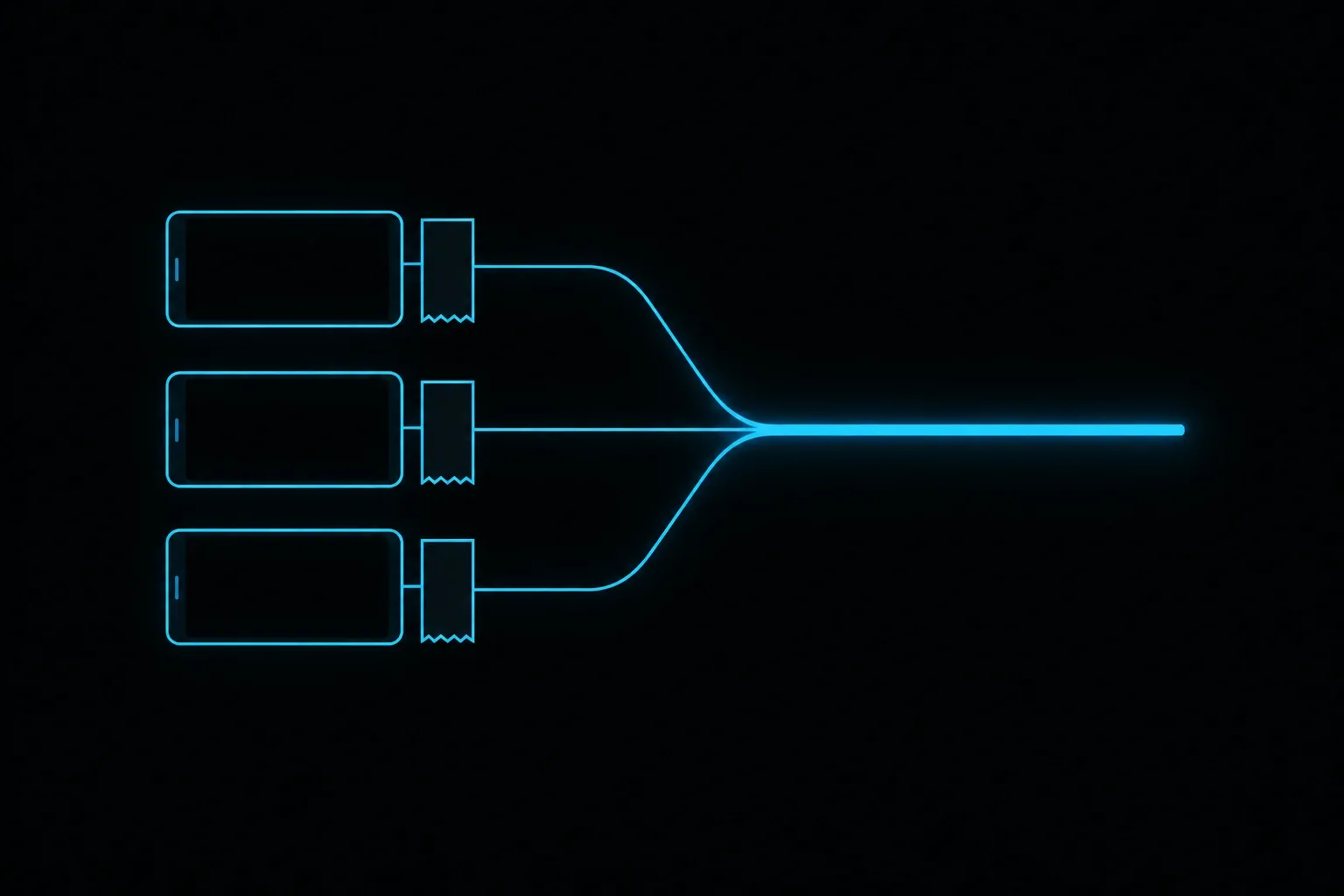
A kitchen trading on three delivery platforms is running three small businesses at once. Each one has its own device, its own menu, its own way of saying an item has sold out. Order aggregation collapses those streams into a single screen, so the pass reads one ticket rail and the office edits one menu. The commercial terms stay where they are. The operational noise goes away.
The shelf of tablets
You know the shelf. A device for each platform, each with its own charger, its own volume, its own notification tone that everyone in the kitchen has learned to ignore in a different way. Orders come in on the device, someone reads them out, someone else keys them into the till. On a quiet Tuesday that works. On a Friday at half past seven it produces the wrong number of portions.
The cost shows up in three places. Transcription errors, because a person is retyping an address or a modifier under time pressure. Reconciliation, because the till has no record of the platform sales and the end-of-day figures have to be assembled by hand. Availability, because the last portions of a dish sit on three menus at the same time and only one channel can sell them.
What order aggregation actually does
Order aggregation pulls orders from several platforms into one place. It moves in two directions, and the two directions solve different problems.
Orders in
Orders in means the platform sends the order straight to your point of sale. Deliveroo's own restaurant technology pages describe connecting your menu to your point of sale so that orders arrive automatically through the till, with no staff member re-entering them and with stock levels updating in real time. That is the whole mechanism. The order becomes a normal order in the system you already use for counter and phone trade.
The time this saves is measurable. When Deliveroo opened its point-of-sale integration to restaurant partners through an API and a developer portal in June 2018, TechCrunch reported that initial tests cut order processing time from around two and a half minutes to about 30 seconds. The number is old and it belongs to Deliveroo's own testing, so treat it as the shape of the saving and measure your own. The shape is the point: the manual step disappears.
Menus and availability out
Menus out is the direction most operators underestimate. A one-way integration takes orders and leaves you editing three menus. A two-way integration lets the menu live in one system and publish outward. Deliverect describes its Just Eat integration as a two-way build, so menus can be synced and managed from the point of sale. Deliveroo's technology pages describe the same principle from the platform side, with stock levels reflected as orders are taken.
Availability is where this earns its keep in service. When the last portion goes, one action should take the item off every channel. When the kitchen is running behind, one action should pause the channel that is hurting most. Getting there is a menu architecture question before it is a software question, because the platforms will only mirror the structure you give them.
The menu is the hard part
Here is the claim worth arguing with: the tablet pile is a menu problem wearing an orders costume. Most kitchens have three menus that have drifted apart, with a different name for the same dish on each platform, modifiers built in a different order, and prices that were adjusted once for one channel and never reviewed. An integration publishes whatever structure you give it, so the drift has to be resolved before the connection is worth having.
That work is unglamorous and it is finite. Agree one item list, one modifier structure, one price rule per channel, one set of opening hours. Do it on paper first. The integration then becomes an install, and the availability rules you want during service will actually hold.
What each platform expects of you
The three platforms UK kitchens will recognise have arrived at similar destinations by different routes, and the differences matter when you plan a rollout.
Deliveroo runs a partner API with a developer portal, opened in 2018, and its restaurant technology pages set out the integrated route for partners who have a till worth connecting. For sites without one, Deliveroo offers a dedicated all-in-one tablet and printer to handle orders directly.
Uber Eats publishes a point-of-sale integration route for merchants and maintains a list of integration partners, so the practical question is usually whether your till provider is already on that list or willing to build against the API. Uber's own merchant help material describes the alternative for merchants who do not integrate: manage the menu in Uber Eats Manager and take orders in the Uber Eats Orders app.
Just Eat Takeaway.com publishes a POS integration flow on its public developers portal, and the Orderpad device remains the tool its partners use to view and manage live orders, update timings, pause incoming orders and mark items unavailable. Deliverect's integration overview adds the detail that catches operators out: a Just Eat pad is required for all stores in the UK and Ireland, so an integration reduces the handling on that device without removing it from the counter.
The middleware question
There are two ways to get to one screen. Your EPOS provider builds and maintains a direct integration with each platform, or a middleware layer sits between the platforms and your till and normalises everything. Deliverect, Otter and Cuboh are the names you will meet most often in the second category, and each publishes a catalogue of the tills and delivery platforms it connects. Check your own till and your own platforms against that catalogue before anything else.
Middleware buys breadth quickly. It also adds a supplier, a monthly cost and a second place where a menu change can fail. A direct integration keeps the chain shorter and ties you more tightly to your till provider's roadmap. Neither answer is universally right. The deciding factor is usually how many channels you trade on and how often your menu changes.
What changes in the kitchen
One ticket rail. Delivery orders queue with counter and phone orders in the sequence they were accepted, so the pass stops guessing at priority between two screens. One print, from the printer the kitchen already reads. One place where an item goes offline.
Reporting changes as well. Once platform orders land in the till as orders, the daily figures include them without anyone assembling a spreadsheet from three exports. Product mix across channels becomes visible, which is the report that tells you which dishes travel well and which ones should come off the delivery menu.
Staffing changes quietly too. The job of standing at the shelf, reading tablets and keying orders in is a real job, usually done by whoever is nearest. Removing it gives you back a pair of hands at the busiest hour of the week. That is the return most operators actually feel, ahead of any figure in a report.
What one screen does not fix
An integration is a plumbing change. It leaves the commercial questions exactly where they were, and it is worth being clear about which ones.
Commission stays with your contract. So does the delivery radius, the promotion you agreed to run, the way a platform handles a customer complaint and the data the platform keeps about the person who ordered. Each platform also keeps a set of actions in its own tools: Just Eat's Orderpad, for instance, is where a shop updates order timings, communicates with customers, pauses incoming orders and marks items unavailable. That is part of why the platform devices and portals stay in the picture after go-live.
Menu quality stays with you as well. A dish that arrives cold after a long journey in a bag arrives cold whether the order came through a tablet or through the till. One screen makes it easier to see which dishes those are, because the product mix is finally in one report. Fixing them is a kitchen decision.
Before you connect anything
Ask each provider four questions, in writing, before the install date is booked.
Does the integration go both ways, and which fields sync in each direction? Menu items, prices, modifiers, opening hours and item availability are separate objects, and a build can cover some without covering all of them.
Who owns the menu after go-live? If the platform's own portal can still be edited directly, you need a rule about who does that and when, or the two versions will drift.
What stays on the platform device? Just Eat's pad stays in the UK and Ireland, and each platform keeps certain actions in its own app. Get the list of those actions per platform in writing, then decide who holds each device during service.
What happens during an outage? Every integration has a failure mode, and the honest answer from a provider is a documented one: orders queue, orders fall back to the platform device, or someone gets a phone call. Ask which, and rehearse it once before a Saturday.
Where our All-in-One Food EPOS fits
We build the same shape for kitchens: online, phone and in-store orders in one workflow, on one screen, with the delivery platforms feeding the till directly. The work is rarely the connection itself. It is the menu structure underneath, the availability rules, and the service routine that decides who pauses a channel when the kitchen is behind.
If you are trading on more than one platform and reconciling by hand at the end of the night, that is the piece to fix first. One screen is the outcome. A menu that publishes cleanly to every channel is how you get there.