

WooCommerce virtual try-on
AI try-onthat sells
Let shoppers see it on before they buy.Fewer doubts, more confidence.
Why shoppers and store owners love it

Photorealistic outfit swapping
Your shoppers upload a photo and swap outfits naturally. Their own look stays intact with lifelike quality.

End-to-end data security
Uploads are encrypted and safeguarded. Only shoppers see their try-on results, never the store admin.

Simple WordPress integration
Activate the plugin, adjust settings and you're done. Customers can try products instantly on product pages.
Live on your product pages in an afternoon
Install
One plugin, straight into your WordPress admin. No rebuild, no developer on retainer.
Set up
Choose the products, adjust the settings, match it to your storefront.
Sell
Shoppers upload a photo and see the outfit on themselves, right there on the product page.
Built for fashion. Built for trust.

Photorealistic swapping
The shopper's own look stays intact. Only the outfit changes.

Encrypted end to end
Uploads are protected and visible only to the shopper.

Native to the product page
No pop-outs, no redirects. The try-on happens where the buying happens.

Most garment types
From structured blazers and flowy skirts to trendy jackets and fitted bottoms, it adapts to most cuts.
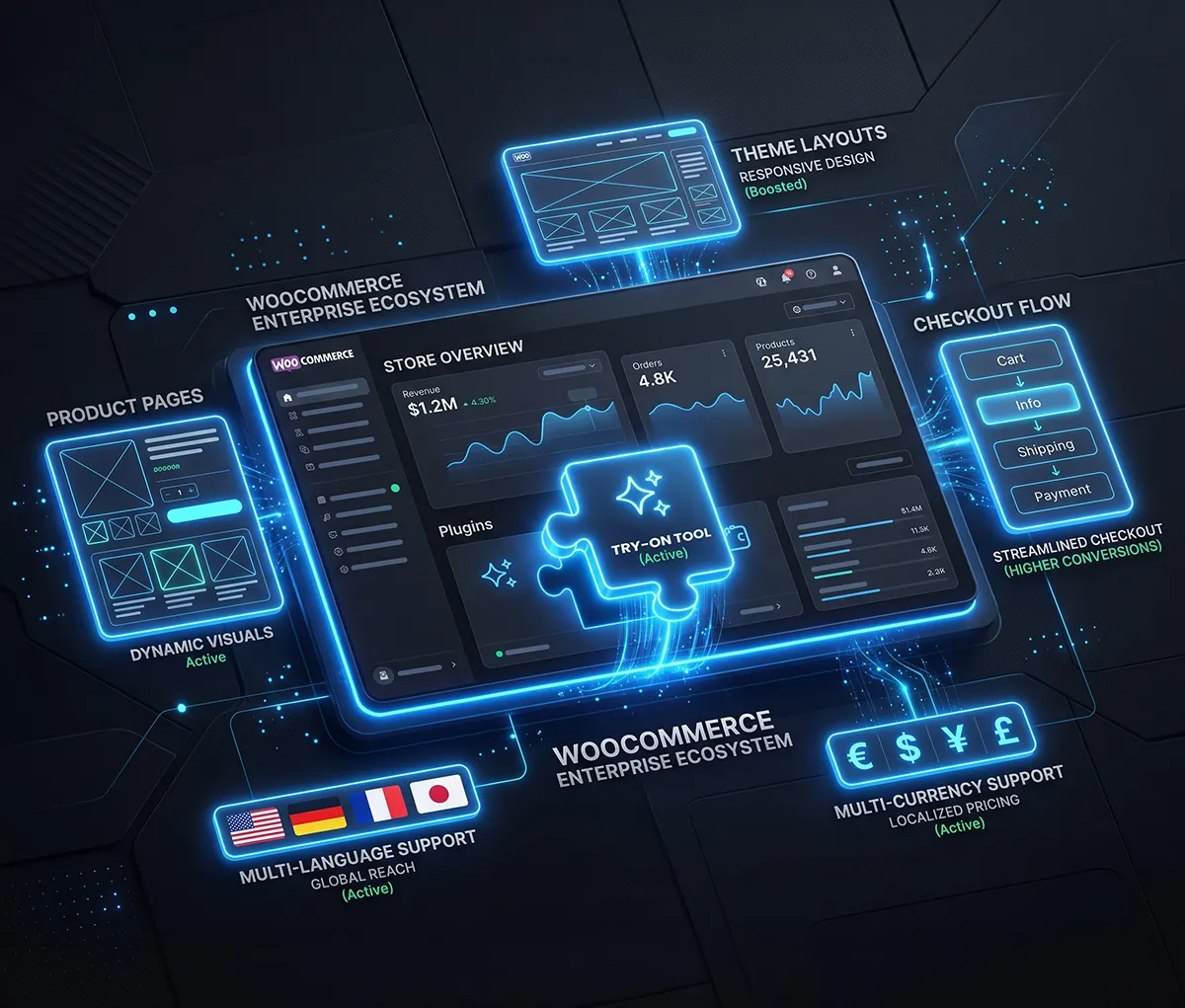
If you run WooCommerce,you're ready
Built for WooCommerce on WordPress, the way a plugin should be. It respects your theme, your product structure and your checkout. If that's your stack, you're one install away from try-on on every product page.
- Seamless multi-currency support
- WPML and multilingual compatible

Their photo
Their eyes only
Every upload is encrypted. Results are visible to the shopper alone, never the store admin. Clear retention rules, no quiet data harvesting, nothing you'll have to explain away later. Privacy here sells for you: shoppers try more when they trust where the photo goes.

Encrypted upload

Auto-purge system

GDPR compliant


WooCommerce Virtual Try-On Plugin
Turn product pages into interactive fitting rooms. Customers upload a photo and preview outfits instantly with photorealistic results.
Visual examples of the Try-On Tool
Try-On Tool adapts to every look: from structured blazers and flowy skirts, to trendy jackets and tight bottoms. It blends seamlessly into your site and delivers fluid, photorealistic try-on results.





Preview a top while preserving the shopper photo as the reference.
One plugin. Simple pricing.
Simple pricing
Clear plugin pricing for standard stores. Running something bigger, a large catalogue or a multi-store setup? Talk to us for a store-specific quote.
Standard stores
Perfect for independent boutiques and growing ecommerce brands.
- Unlimited image syncing
- Standard AI processing
- Standard analytics
Large catalogue
Custom solutions for multi-store setups and high-volume traffic.
- Priority AI queueing
- Custom API integration
- Dedicated support manager